Free AI Photo Enhancer
Sharpen blurry shots, boost detail, and fix dull colors in seconds. Free to use every day, your photos are processed on your own device, and results never carry a watermark.
Runs locally in your browser — your image never leaves your device
Everything You Need to Make Photos Look Their Best
Free on-device tools handle the everyday fixes instantly and privately, while credit-powered AI tools take on the heavy restoration and creative work.
On-device Photo Enhancement
The core enhancer runs entirely in your browser. It is free every day, works offline once loaded, and your photos never leave your device.
Free, Every Day
Local processing costs nothing and never touches your credits or daily quota.
Six Enhancement Modes
Tuned presets for general photos, portraits, objects, scenery, pets, and text.
Private by Design
Enhancement happens on your device, so nothing is ever uploaded to a server.
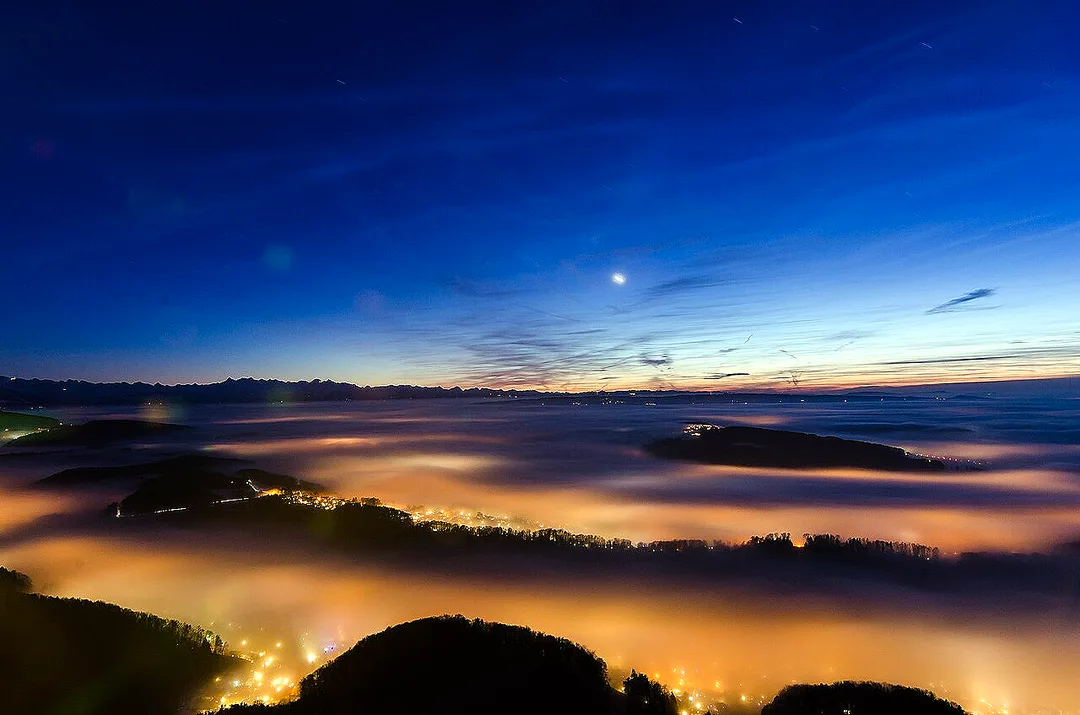
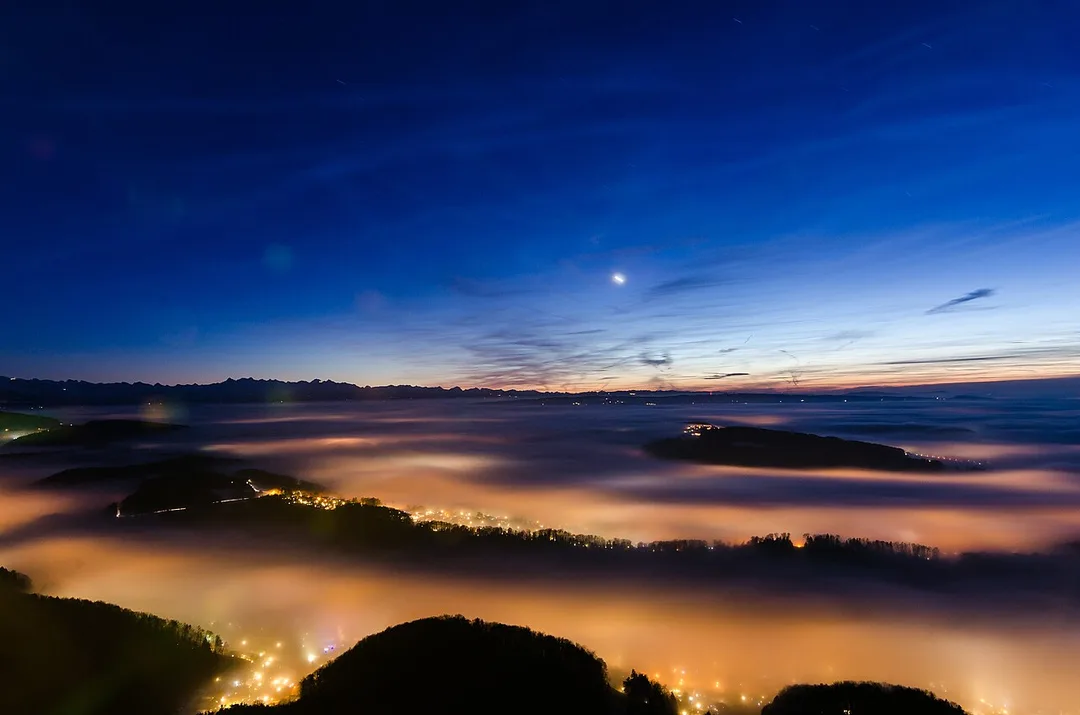
Image Upscaling 2x and 4x
Enlarge small or low-resolution images to 2x or 4x their size while keeping edges crisp and details clean — all inside your browser.
2x and 4x Output
Pick the scale you need for screens, stores, or print.
Detail-preserving Resize
Smart interpolation avoids the mushy look of a plain stretch.
No Upload Needed
Upscaling runs locally, so it is fast, free, and private.
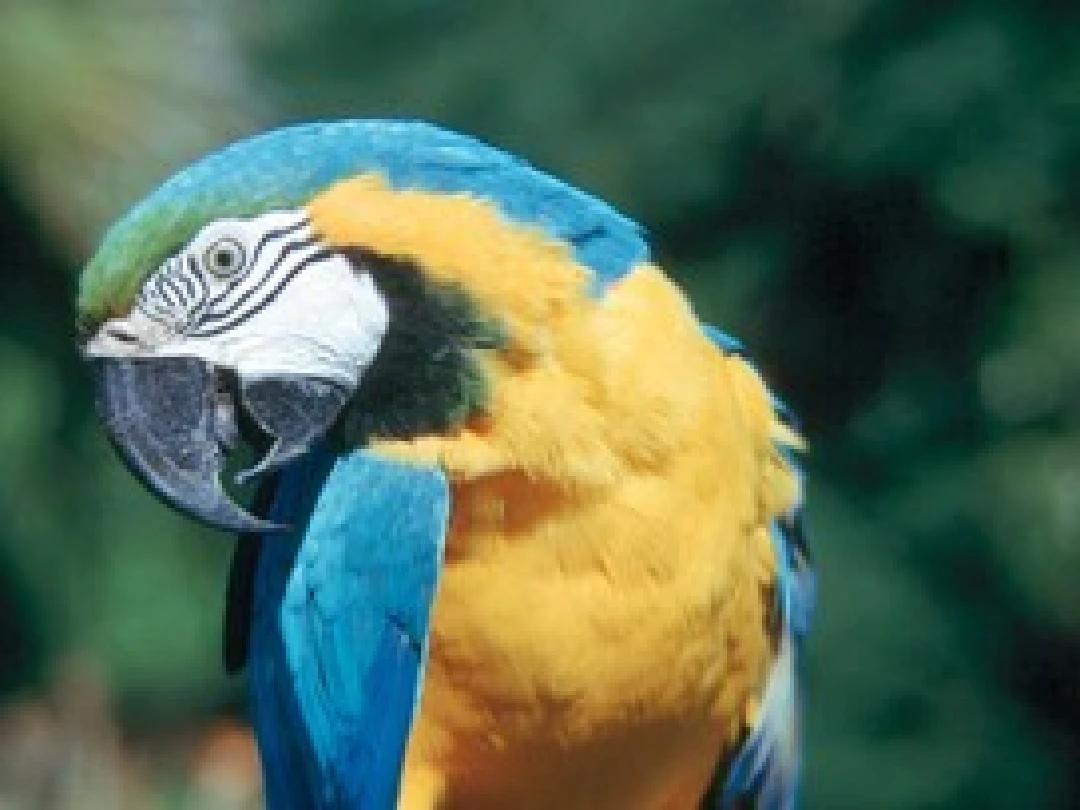
Background Removal
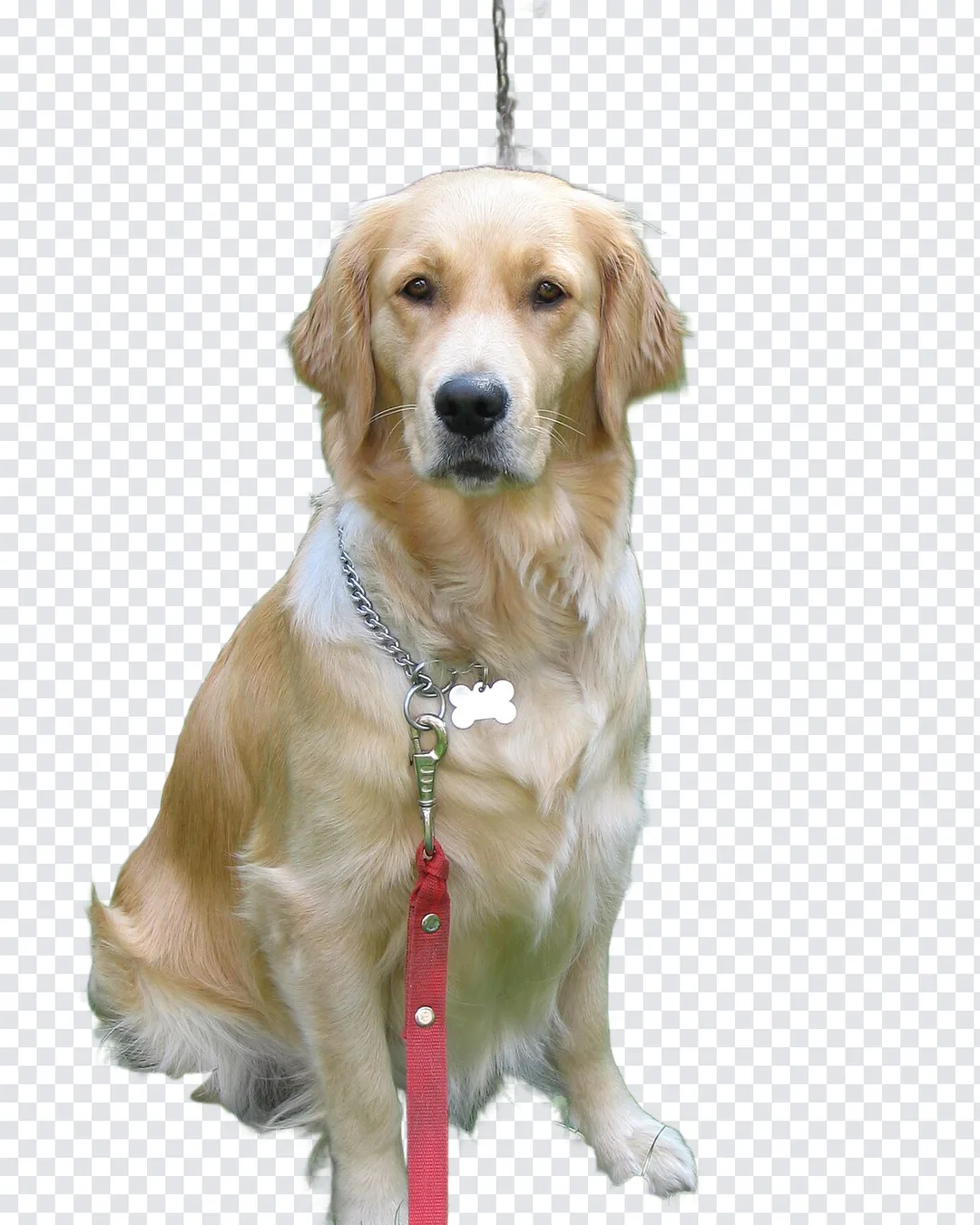
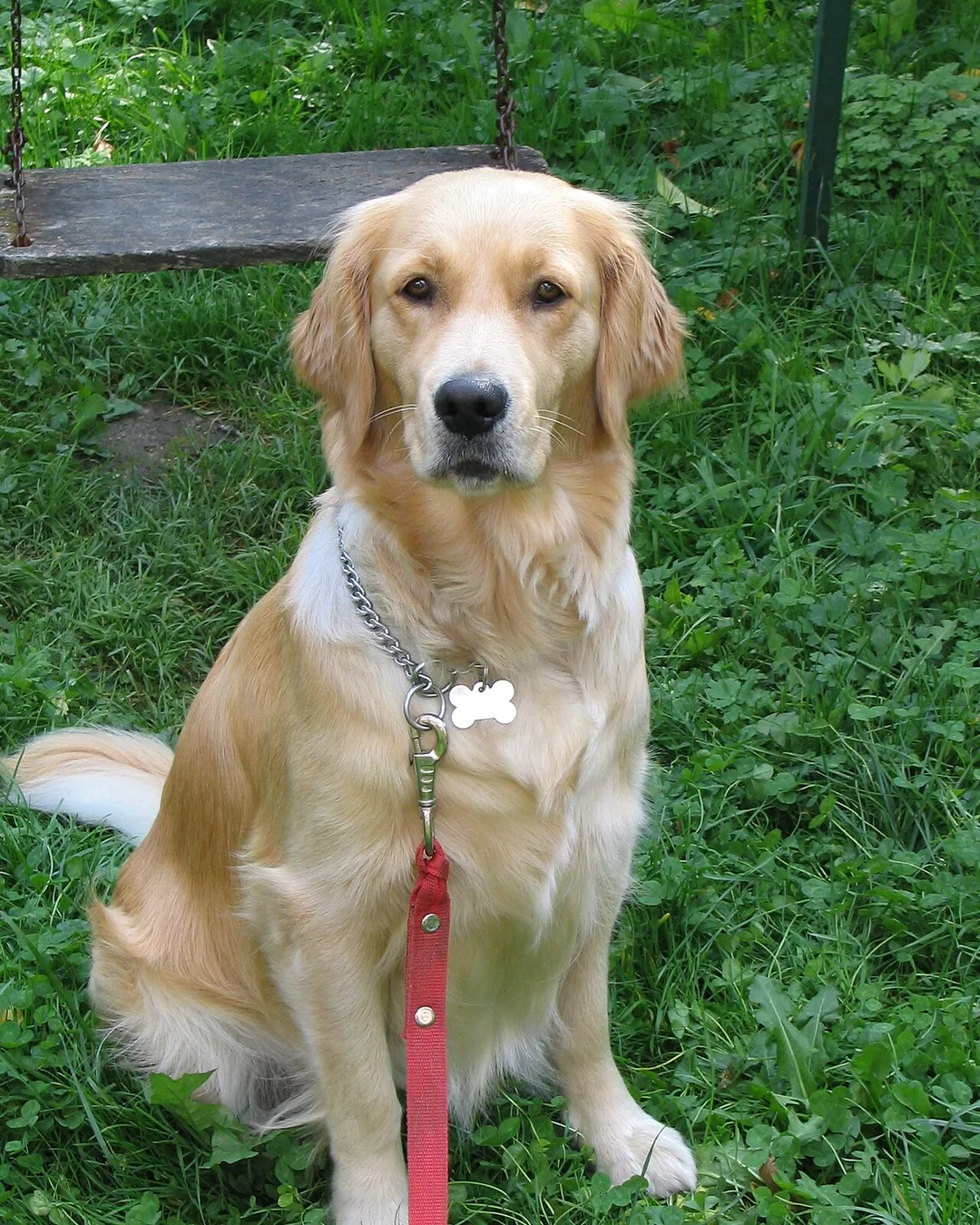
Cut subjects out cleanly with on-device AI. Get a transparent PNG or WebP in one click, ready for product listings, profile pictures, or designs.
On-device AI Model
The segmentation model runs in your browser, keeping your images private.
Transparent PNG and WebP
Export cutouts with true transparency for any design workflow.
One-click Cutouts
No manual tracing — the AI finds the subject for you.
AI Photo Restoration
Bring damaged and faded photos back to life. Cloud AI repairs scratches, tears, and dust, recovers facial detail, and can add natural color — powered by credits.
Repair Scratches and Tears
The AI reconstructs damaged areas while keeping faces and composition true to the original.
Optional Colorization
Turn black-and-white memories into naturally colored photos with one toggle.
Film-style Looks
Finish restorations with vintage film, classic Kodak, Leica black-and-white, and more.
AI Colorizer
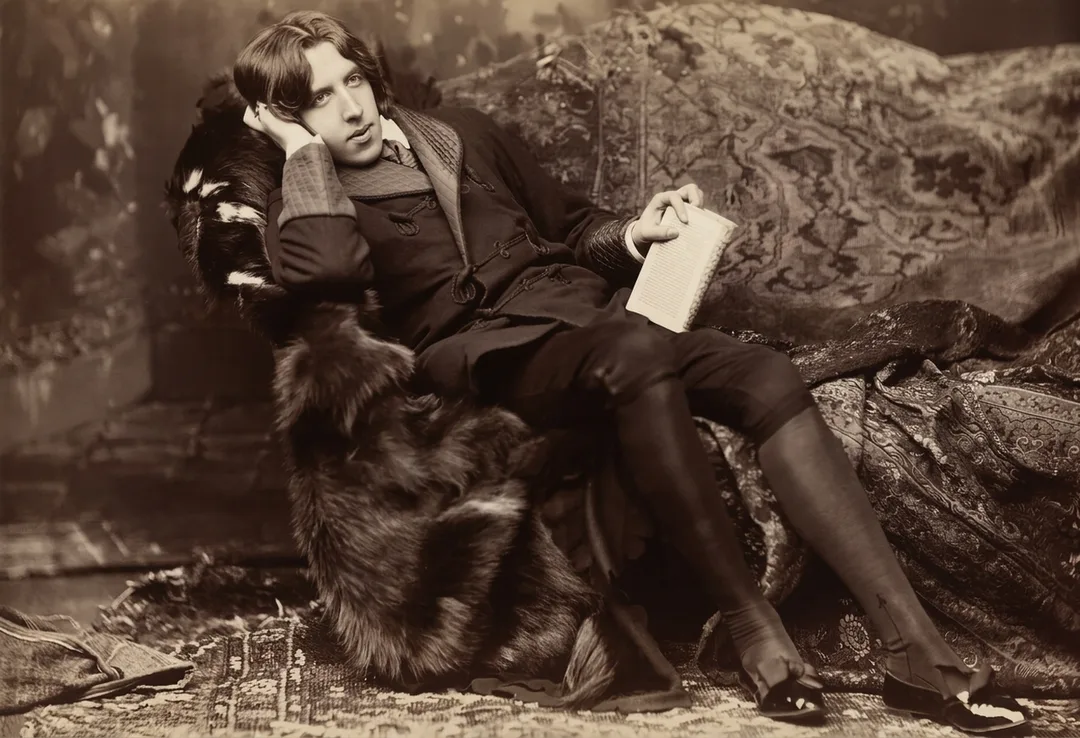
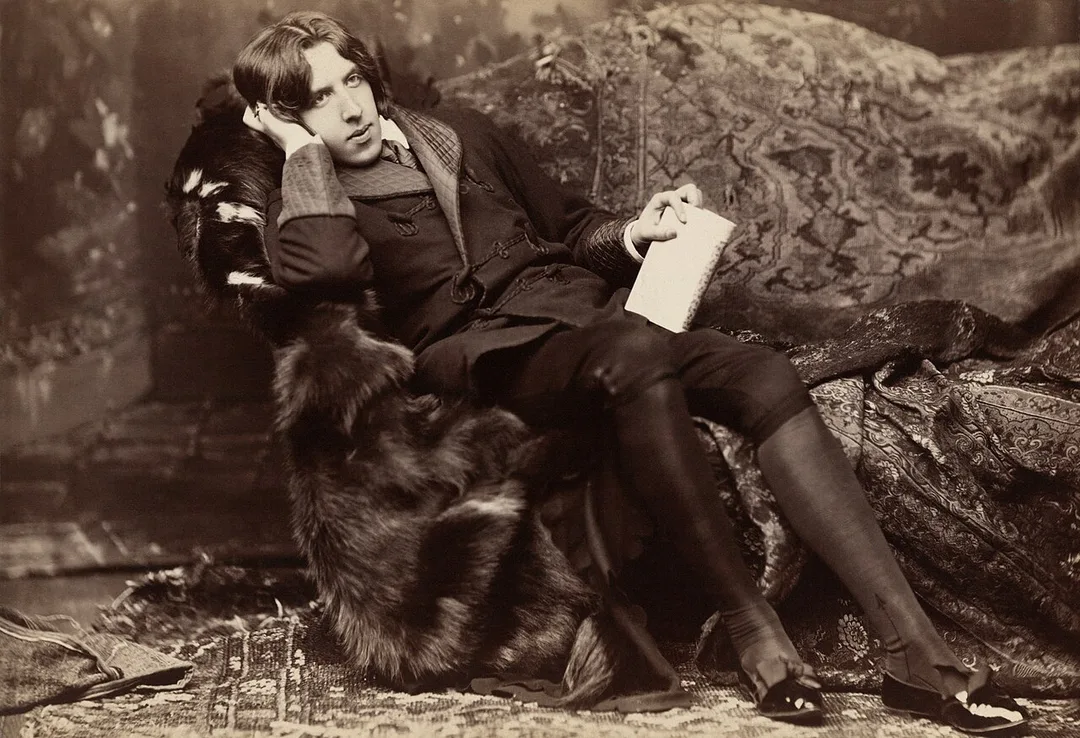
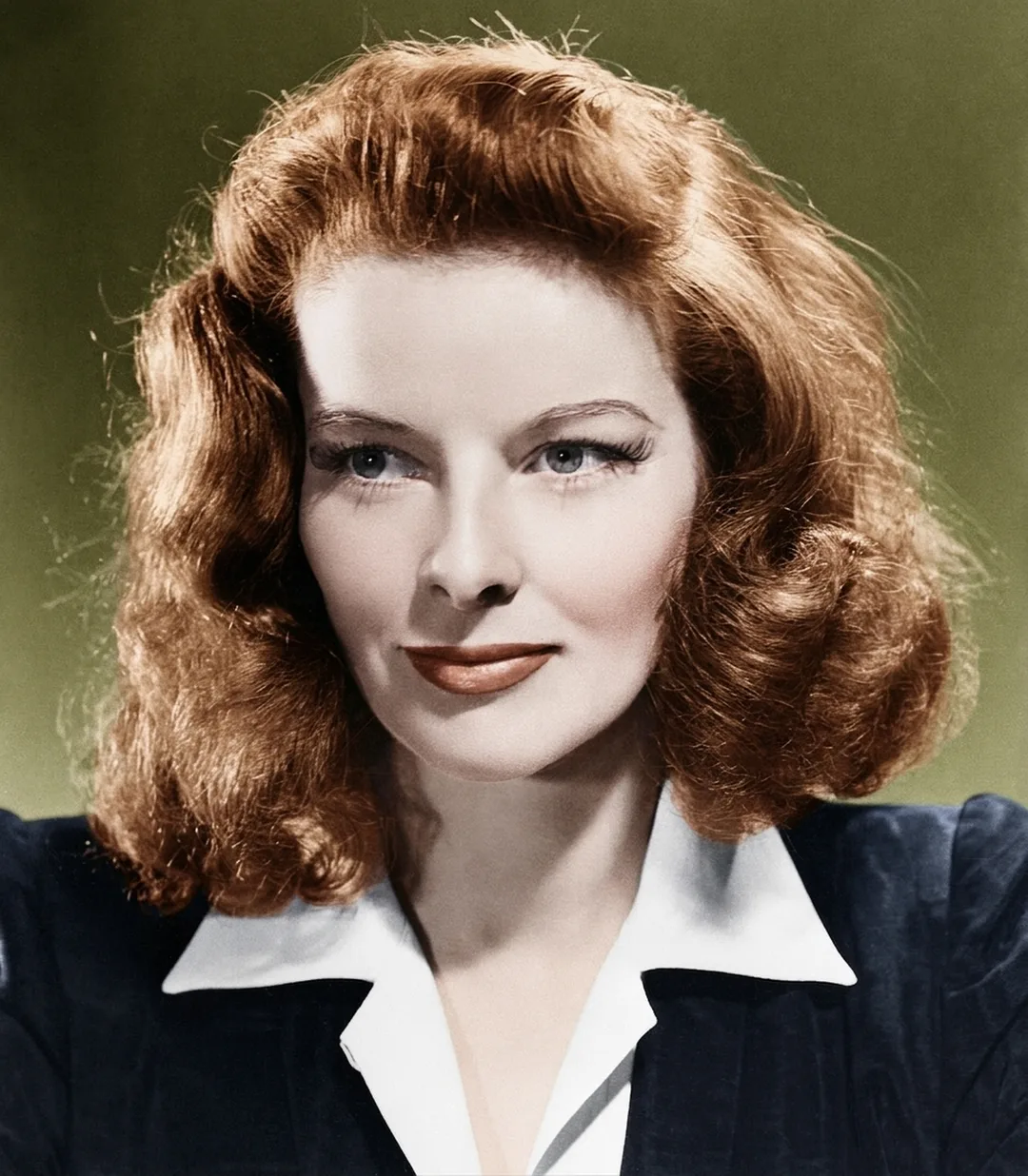
Add rich, believable color to black-and-white photos, manga, line art, and illustrations. Choose a palette or describe the colors you want — powered by credits.
Beyond Photos
Colorize manga, comics, line art, and illustrations, not just photographs.
Six Color Palettes
Natural, vivid, warm, vintage, cinematic, and pastel palettes to match your style.
Custom Color Guidance
Describe specific colors — like a red dress or golden sunset — and the AI follows.

15 Free Online AI Photo Tools
One account, one place — from quick everyday fixes to deep AI restoration and generation.
Simple 3 Steps, Professional Results
Upload Your Photo
Drag & drop or click to select. Batch processing supported — your photos stay on your device.
AI Smart Processing
Advanced models sharpen, upscale, and correct color with a live preview — seconds, not minutes.
Download the Result
Compare before and after, then export in PNG, JPG, or WebP — full resolution, no watermark.
Who Uses the AI Photo Enhancer
From online sellers to family archivists, anyone with a photo worth improving can get sharper, cleaner results in seconds — without installing software or paying for an editor.
E-commerce Product Shots
Turn phone snapshots into store-ready product photos. Sharpen details, brighten colors, and remove backgrounds so your listings look professional and convert better on every marketplace.
Social Media Posts
Make every post look its best before it goes live. Fix dim lighting, boost clarity, and upscale images so they stay crisp when platforms compress them.
Old Family Photos
Rescue faded prints and damaged scans. Repair scratches and tears, recover the faces you remember, and add natural color to black-and-white memories worth passing down.
Real Estate Listings
Brighter, sharper property photos attract more viewings. Enhance interior shots taken in poor light and upscale wide angles so every room shows at its best.
Profile Headshots
Look sharp on LinkedIn, resumes, and team pages. Enhance skin tones and detail with the portrait mode, then remove or clean up the background for a polished finish.
Print Preparation
Small images fall apart on paper. Upscale photos to 2x or 4x, sharpen fine detail, and export clean PNGs so posters, cards, and albums print crisp instead of pixelated.
Choose your plan
Every plan includes free daily credits and unlimited local tools. Cancel anytime.
Starter
For light, everyday photo enhancement.
Billed $76.80 per year
- 200 credits per month
- Save 20% vs monthly billing
- 20 free daily credits on top
- Credits roll over, up to 600
- VIP batch processing (2-20 images)
- Higher output priority
- All AI tools included
- Buy credit add-ons anytime
Pro
For creators who enhance photos every week.
Billed $240 per year
- 1,000 credits per month
- Save 20% vs monthly billing
- 30 free daily credits on top
- Credits roll over, up to 6,000
- VIP batch processing (2-20 images)
- Higher output priority
- All AI tools included
- Buy credit add-ons anytime
Ultra
Maximum credits for heavy workloads.
Billed $432 per year
- 2,000 credits per month
- Save 20% vs monthly billing
- 50 free daily credits on top
- Credits roll over, up to 12,000
- VIP batch processing (2-20 images)
- Higher output priority
- All AI tools included
- Buy credit add-ons anytime
Frequently Asked Questions
Everything you need to know about enhancing photos on picenhancer.ai — pricing, privacy, formats, and how the tools work